GoPro – Settings

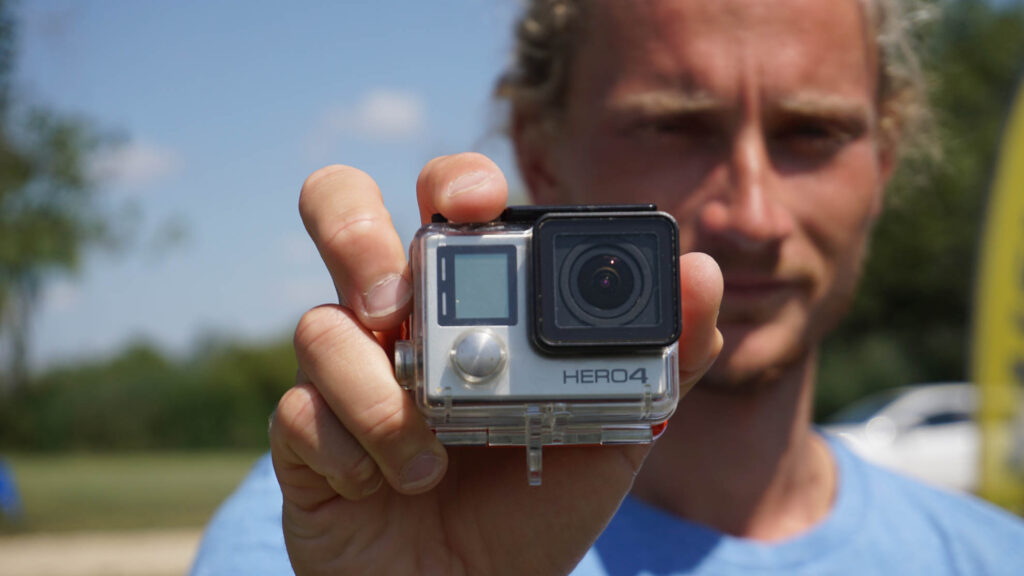
Heylo! I am Alex, Teamrider at LakeUnited and would like to share some tips for filming with the GoPro on the water in this short article.

What resolution should you use?

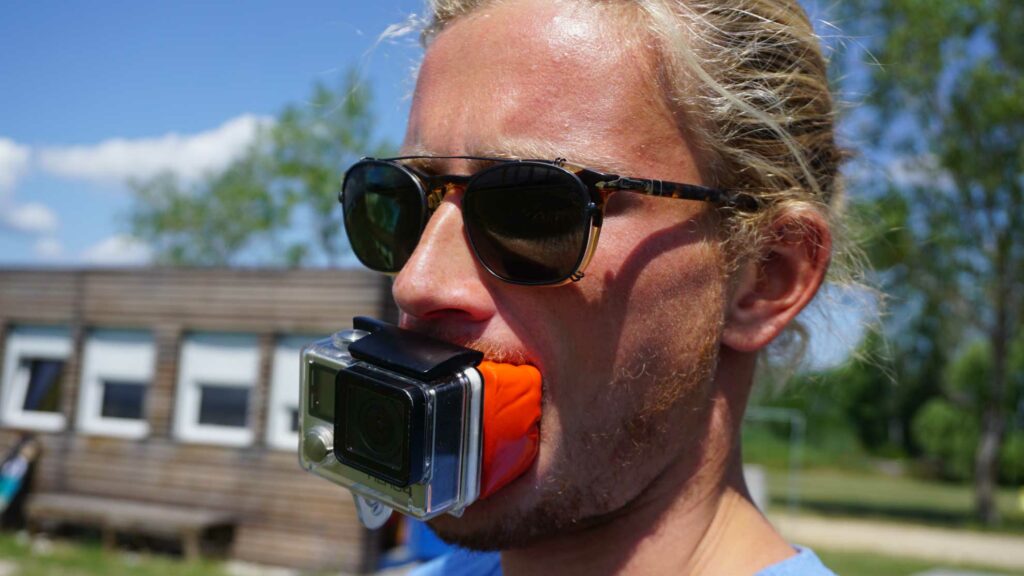
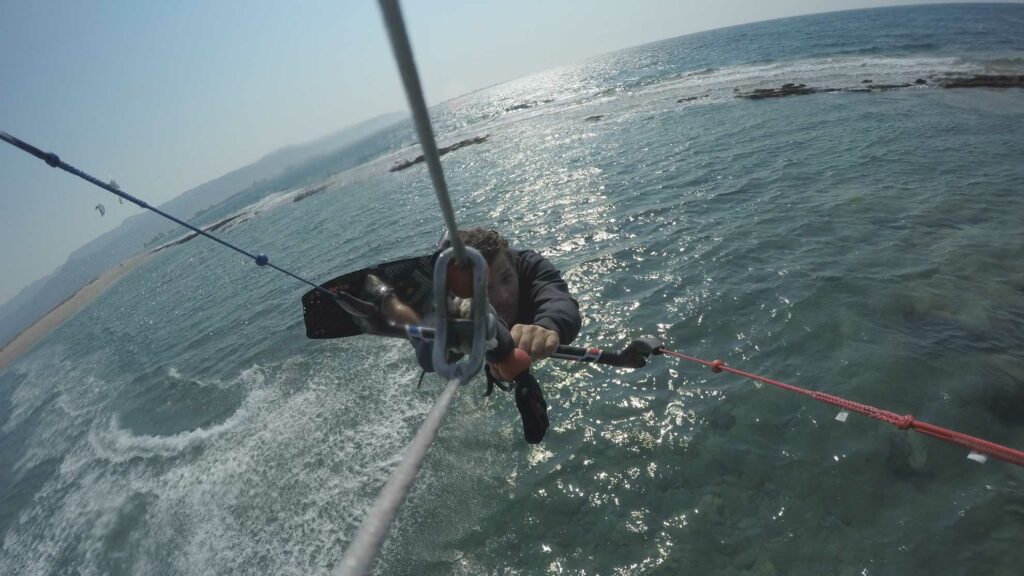
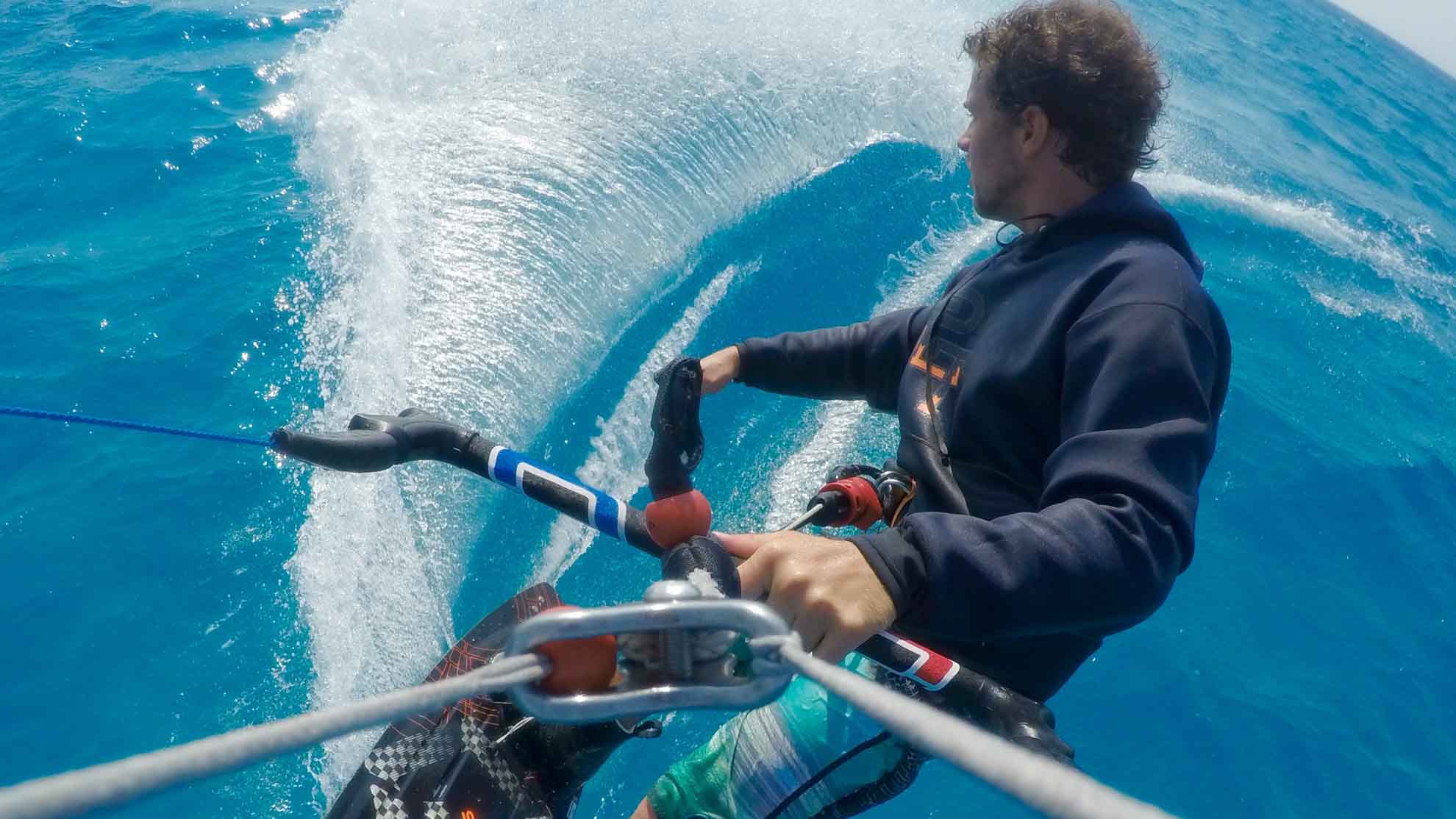
Here you should think about what or how you want to film. Do you want to screw the GoPro onto a mouth mount and film POV (Perspective Of Viewer), or do you have the GoPro on the lines or on the board?

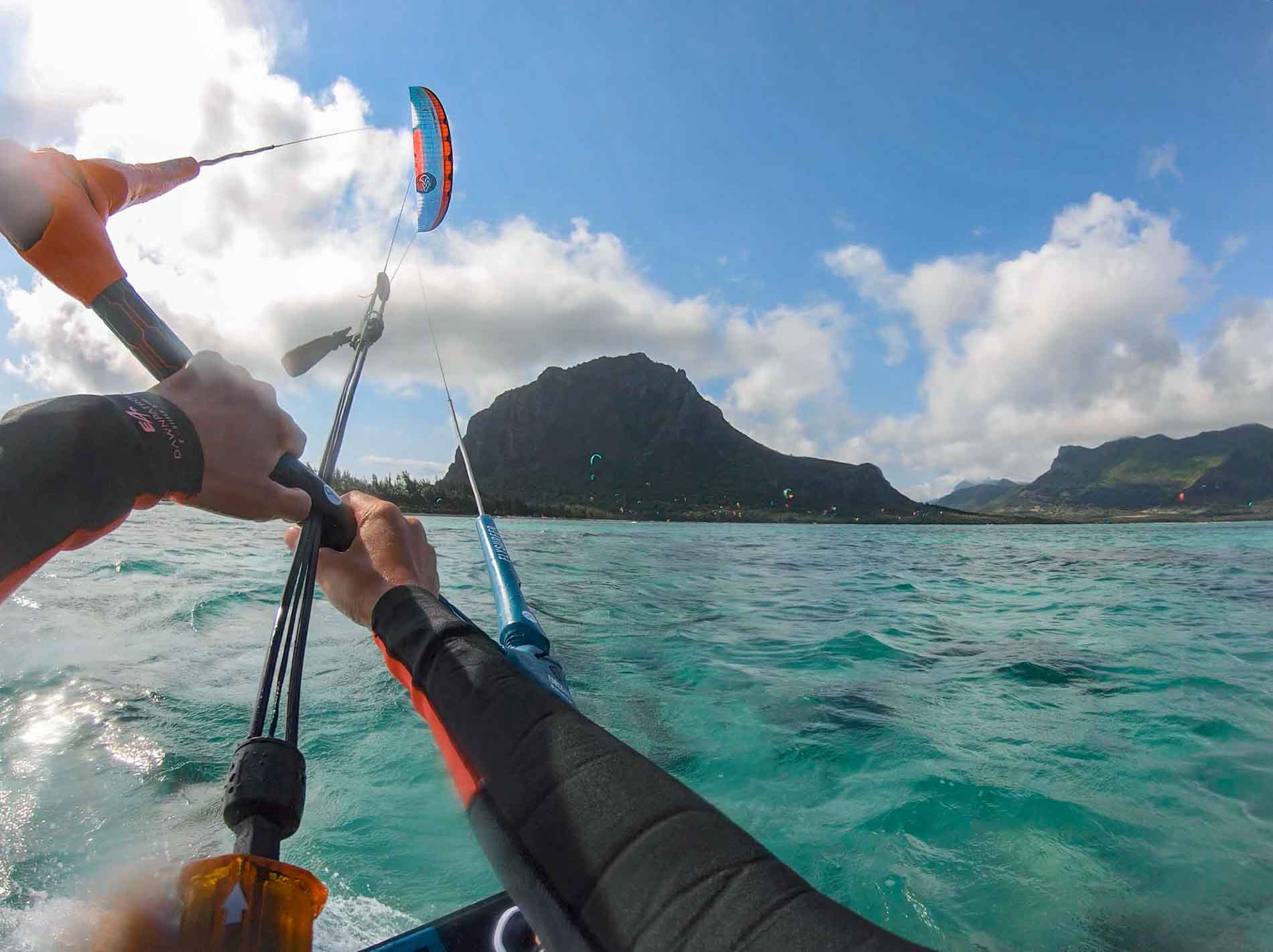
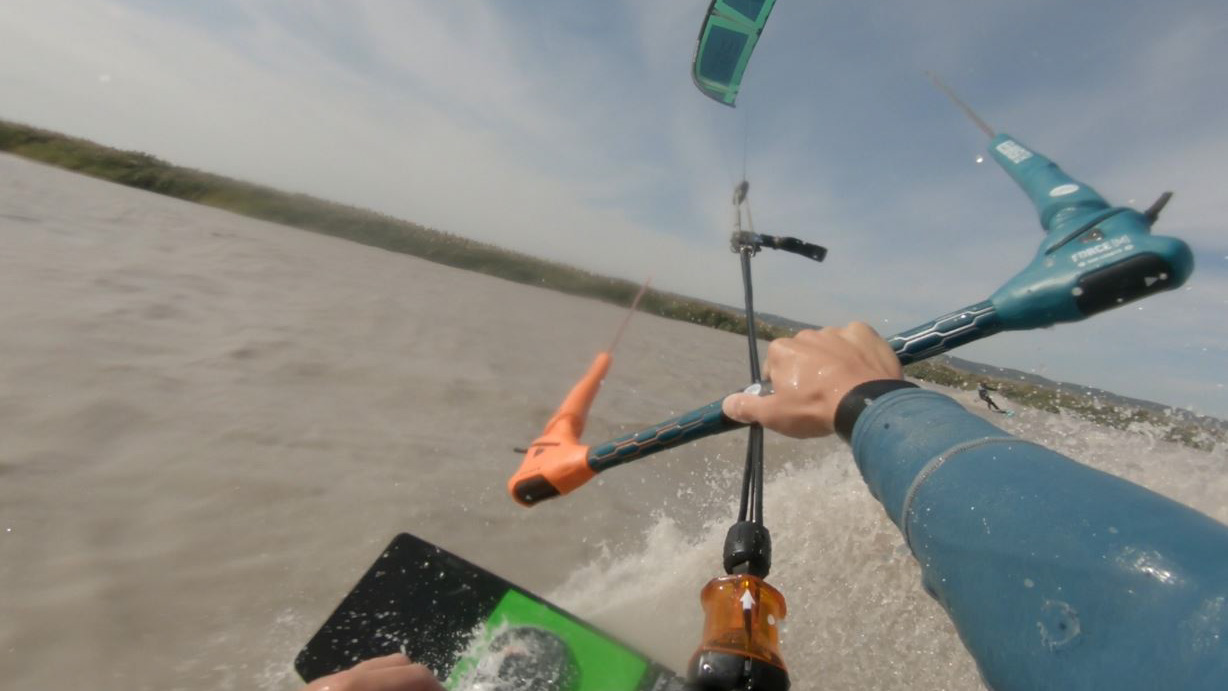
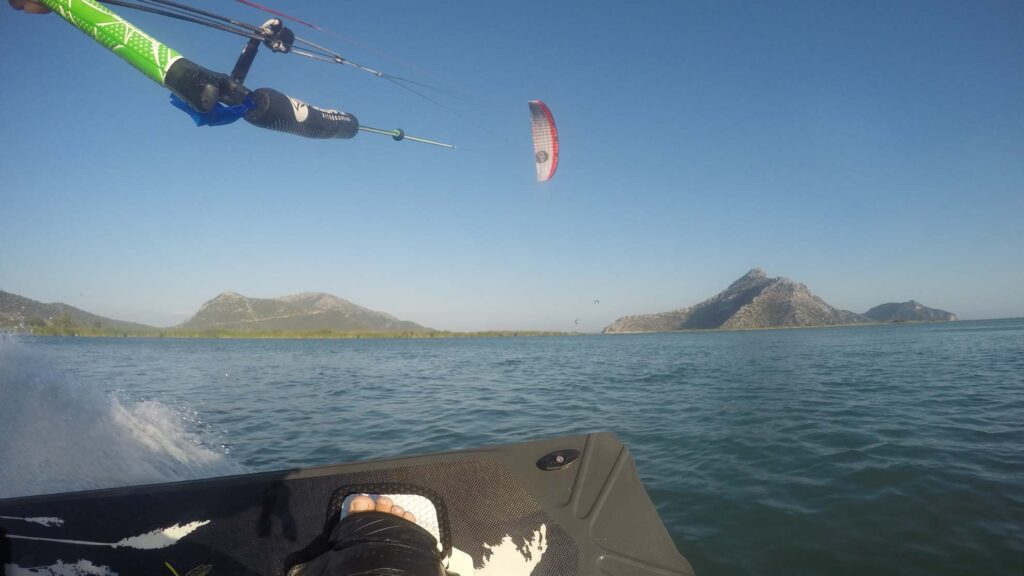
I mostly film POV and therefore use 1440p with 60 FPS and wide angle or superview. With this resolution, the frame (image section) is higher and you can see the board, the bar and mostly the kite. This makes the action more traceable.

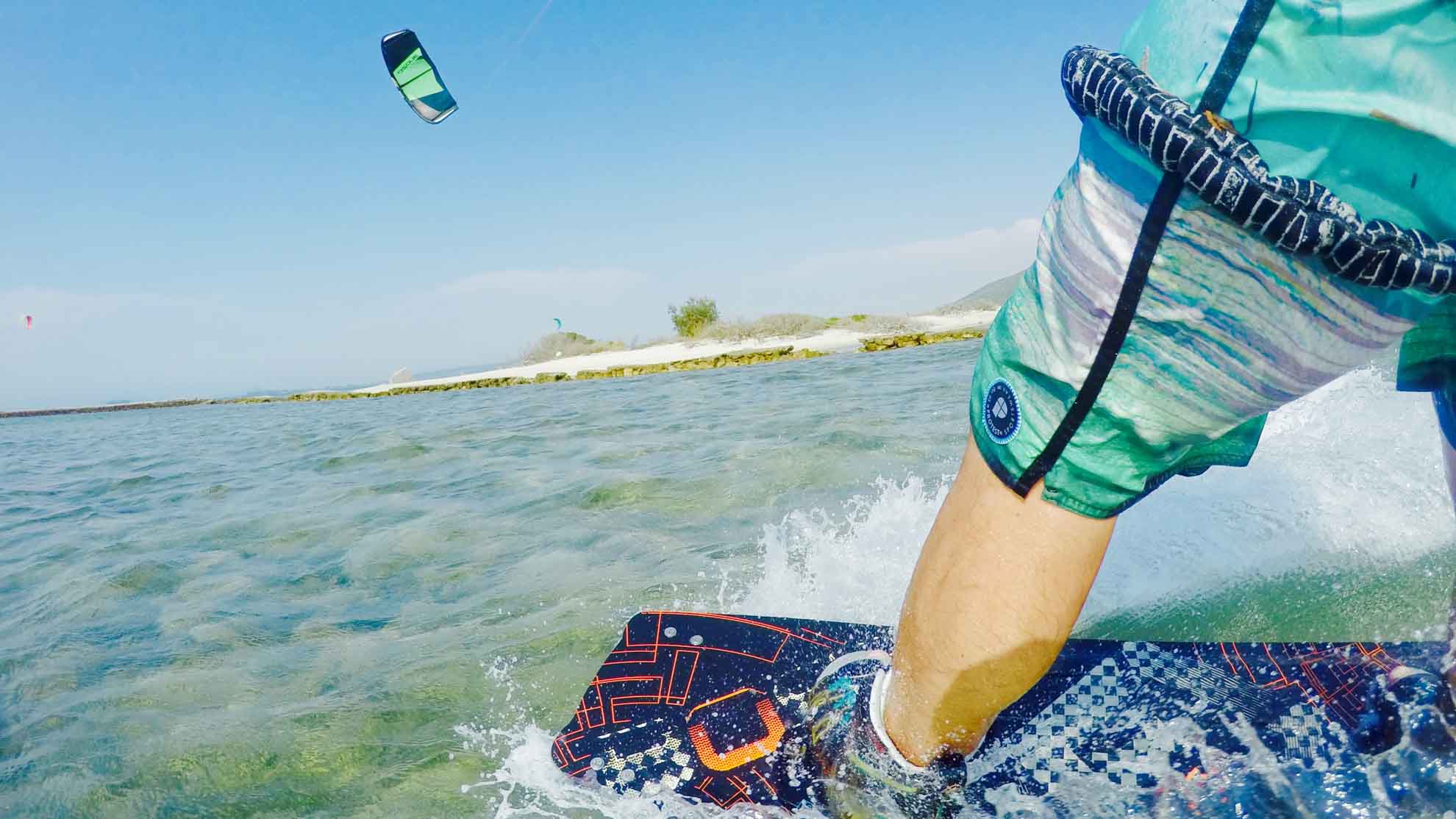
If you want to film differently, I recommend 1080p (wider picture) and no wide angle (setting: linear). Because with wide angle everything that is not a meter away from the camera looks very far away. 60FPS is usually sufficient. You get a very "smooth" looking footage and can also make good slow motions out of it.

If you don't want a slow-mo but a “cinematic” image, use 30FPS. So your video material does not consume as much storage space on the hard disk.

Be careful if you film in 2.4k or 4k. With these resolutions, it may be that your PC does not play the material smoothly because you have not installed any current processor generation.

The settings

In addition to the standard setting, which automatically adapts to the lighting conditions, there is also ProTune. ProTune offers you the possibility to set ISO, exposure compensation, white balance, sharpness and color yourself. Now, of course, the question arises what is the better variant. It depends on what you're going to do with the videos. Do you want to edit the video later in the editor and achieve the best possible quality? Then I recommend you to use the ProTune settings, because you can use it to adjust the camera so that your image material stores most of the image information, which makes editing much more effective. I use the following settings:
  • EV COMP: -1,0
  • 
ISO-MIN: 100
  • ISO-MAX: 6400
  • WB: 6500K
  • SHARPNESS: Low
  • COLOR: flat
But watch out! Unprocessed, the raw material looks very matt with these settings and maybe a little fuzzy. Post-processing is absolutely necessary for a good result. But if you deal a bit with image editing, you have a lot of control over the end result. There are also a lot of YouTube videos that will help you. For editing and editing I use "Hitfilm4Express", a free editing program.

If you don't feel like the effort and just want to make some cool videos and then show them to your friends, I recommend the standard setting. Because even in standard mode, the GoPro takes great pictures.

If you also have the GoPro Quick App on your PC or smartphone, you can edit the videos right away. There you can mark the highlights directly when looking through the recordings and the program automatically creates a video with music for you to choose from a small library.

Fogged lens

Avoid fogging of the lens: here are some resources that can be bought to prevent fogging of the lens in advance. But the best home remedy is SLOBBER! The more the better. Just lick the lens. The more drool the better. Wipe briefly on the neo and the lens should remain drip-free for some time.